
22.09.2026 · news
Training room: which screen size should you choose?
Which diagonal for a training room? Distance of the back row, content density and ambient light: the three criteria that matter.
Key takeaways
- Three parameters decide the diagonal: the distance of the back row, the density of the content displayed and the ambient light. The volume of the room plays no part in the calculation.
- A training session projects software interfaces, spreadsheets and technical drawings. This content was never designed to be read from six metres away.
- The lights stay on in a training room, because participants take notes. The ANSI/AVIXA V201.01 standard addresses this point: it is often contrast, not size, that limits legibility.
- A back row at six metres already calls for around 120 inches for ordinary presentation material, and appreciably more for technical content.
- Beyond five metres of depth, the question is no longer which panel to choose but which technology: projection, LED wall or repeater displays.
- If the back of the room cannot see the bottom of the image, no diagonal will fix it. Mounting height and the layout of the rows are what settle that point.
A training room combines constraints a meeting room never faces: several rows of participants, sessions lasting half a day, content that is often technical, and lights left on from start to finish so people can take notes. These four differences change how the display is sized. Here is how.
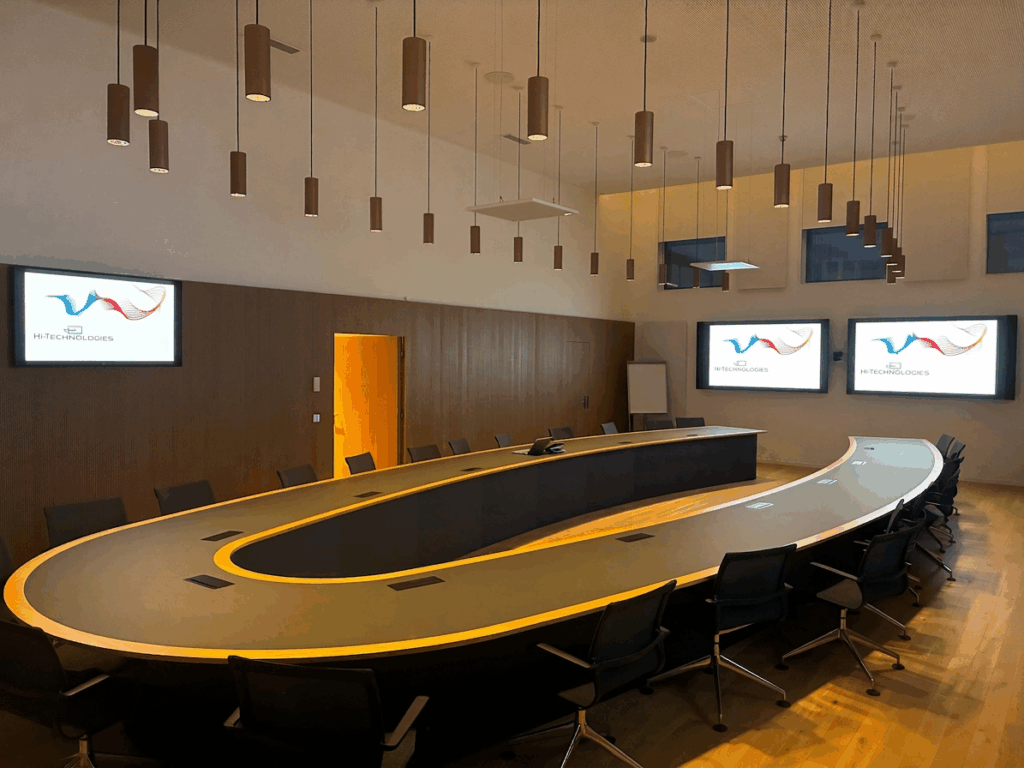
Why is a training room not sized like a meeting room?
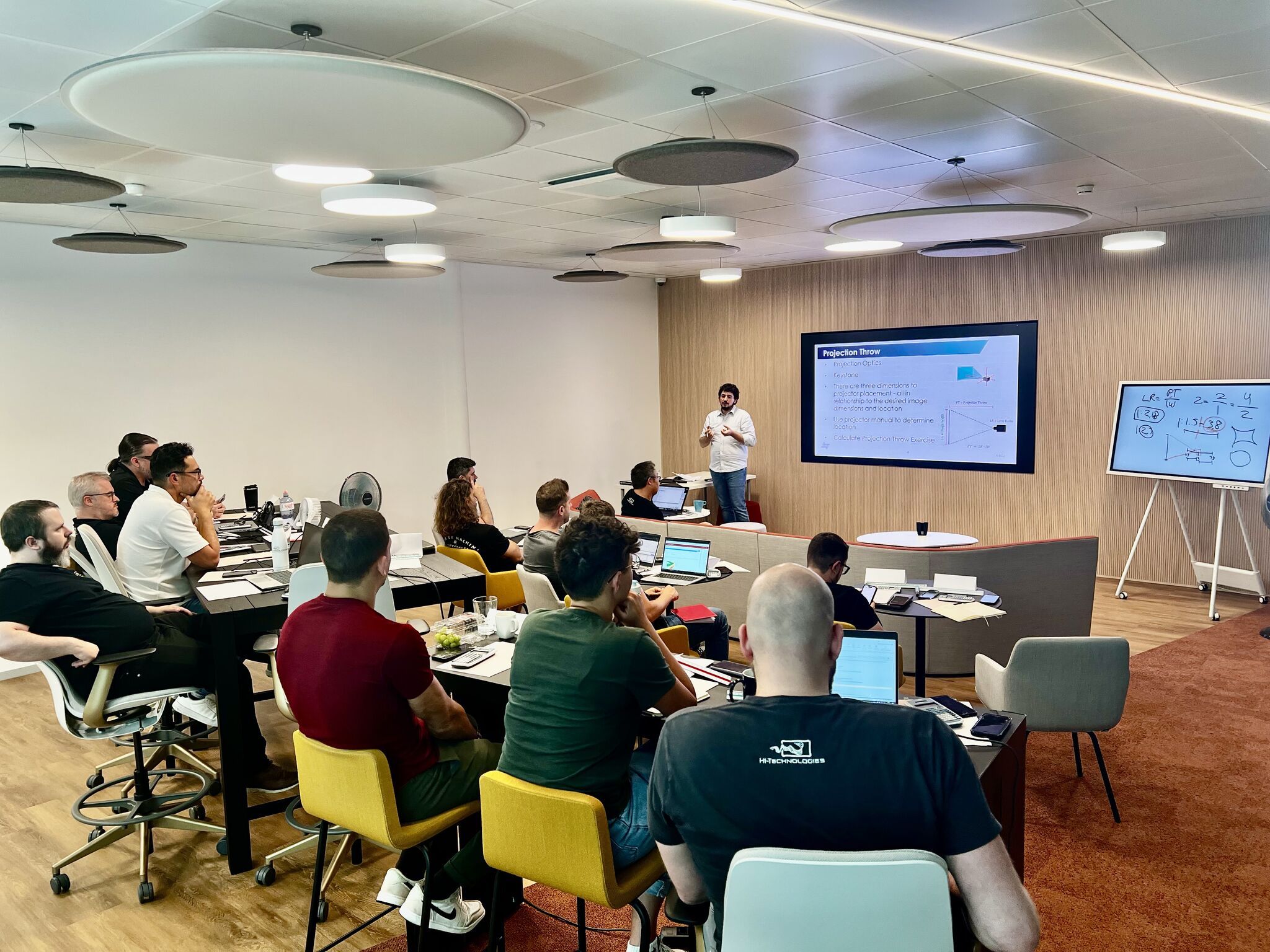
Put simply, a meeting is one table, eight people, forty minutes and slides designed to be seen. A training session is rows of seats, half a day at the very least, working content displayed exactly as it is, and light from beginning to end because everyone is writing. Four differences, and each one affects the sizing.
The question almost always arrives the wrong way round: you look at the volume of the room, you check a budget, and then you look for the diagonal that fits both. The standardized approach starts from the other end. It is based on what the farthest participant actually has to be able to read, from the seat they occupy, in the light they are sitting in. Three parameters are then enough to determine everything:
- The distance of the back row to the display wall, measured on the drawings or on site.
- The density of the content, that is, the height of the smallest element to be read relative to the height of the image.
- The ambient light, which determines the contrast actually perceived from the participant’s seat.
Floor area, on the other hand, plays no part.
These parameters fall under two AVIXA standards, one for image size, the other for contrast. As an audiovisual integrator in Switzerland, Hi Technologies is an AVIXA member and several of our staff hold the AVIXA CTS certification (Certified Technology Specialist).
Training content was never created to be seen from a distance
This is the most underestimated gap, and the easiest to verify. A meeting slide is designed for projection: short titles, uncluttered charts, six lines at most. A training session, by contrast, projects the tool itself:
- Software training: the entire application, with its menus, its tabs and its input fields.
- Business training: a spreadsheet and its columns, a form, a dashboard.
- Technical training: a drawing with its dimensions, a schematic, a parts list.
- Data or coding training: text at editor size, around twelve points.
Nobody has redrawn these interfaces so that they stay legible at the back of a room. The table below translates that gap into diagonals, for a 16:9 image, according to the depth of the room.
| Back row (m) | Ordinary presentation (inches) | Training content (inches) |
|---|---|---|
| 4 | 80 | 107 |
| 5 | 100 | 134 |
| 6 | 120 | 161 |
| 7 | 141 | 187 |
| 8 | 161 | 214 |
| 10 | 201 | 268 |
The values are calculated using the ANSI/AVIXA V202.01 standard, known as DISCAS, whose principle we set out in our article on the right screen size for a meeting room. They say something simple: an 86 inch display, perfect for a meeting room, already leaves the back of a training room struggling.
Two conclusions follow, one of them unexpected. Beyond five metres of depth, the debate is no longer about which panel to choose but about which technology to adopt. And enlarging the image is not always the right answer: increasing the font size of the application being projected, hiding the areas that are not needed or zooming in on the active part belongs to the preparation of the material, and costs far less than another metre of diagonal.
The lights are not switched off in a training room
A meeting room can be blacked out for the duration of a projection. A training room cannot. Participants write, consult printed material, work at a computer. The lights stay on, and with them the real problem.
The ANSI/AVIXA V201.01 standard, published in 2022, deals precisely with this question. It defines the contrast ratio of a display system measured in its real environment, rather than on the manufacturer’s test bench. It replaced an earlier standard that covered only video projection: it now applies to direct view panels and LED walls alike. Four categories are defined, according to what the viewer has to do with the image:
- passive viewing, when it is enough to perceive an image or a main body of text
- basic decision making, the category of the vast majority of training rooms
- analytical decision making, when every detail of the image matters
- full motion video, the most demanding of the four
What this comes down to takes few words. The contrast that counts is not the one on the datasheet, but the one that survives once the room is lit. A very bright projector placed opposite an unshaded window does not meet its category. Nor does a glossy panel under direct lighting. In both cases the equipment is not at fault: it is the room that has not been dealt with.
Three levers therefore have to be worked on together, never one after the other: the choice of display technology, the control of natural and artificial light, and the management of blinds and lighting through preset scenarios, which we build into our room automation and control projects.
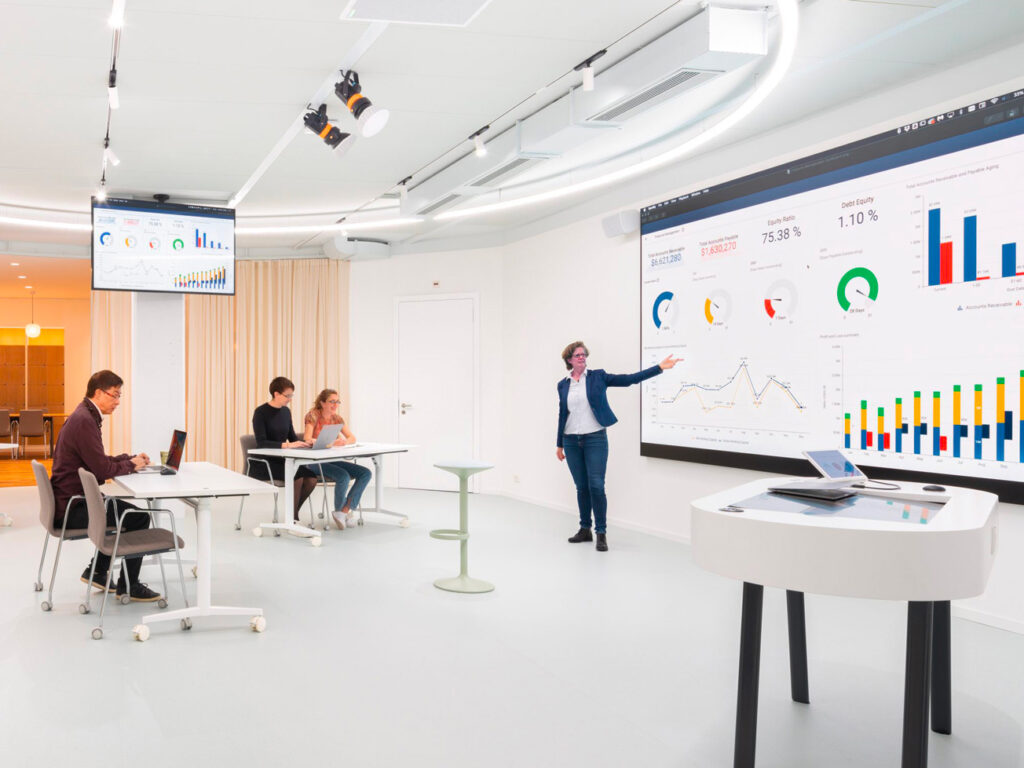
The back row cannot see the bottom of the image
Here is a problem no diagonal solves. In a room laid out in rows, the lower part of the image disappears behind the shoulders and heads of the front rows. The decisive parameter is no longer the size of the display but the height at which the image begins, settled according to the number of rows and the ceiling height available.
Raising the display looks like the obvious solution. It has its downside. Three levers are settled together:
- The height of the bottom of the image, which clears the view for the rows at the back.
- The comfort of the front rows, who end up with their necks extended if the display goes too high. Over a three-hour session, that posture determines overall fatigue far more than image quality does.
- The furniture layout, which has nothing audiovisual about it: shifting the rows, reducing the usable depth or angling the arrangement sometimes solves with a pencil stroke what no equipment can make up for.
These are decisions to be taken on the drawings, with the architect and the fit-out contractor, before the furniture is ordered.
One large image or several displays?
In deep rooms, three answers coexist, and the site survey decides between them.
- Video projection remains the most direct route to a very large image, provided the light is controlled.
- The LED wall keeps its legibility in full brightness and accepts free aspect ratios, which makes it the answer for brightly lit or high-capacity rooms.
- Repeater displays, at the sides or halfway down the room, serve the distant rows without pushing the main display into unreasonable dimensions.
One piece of equipment is missing from almost every specification: a confidence monitor for the trainer. Without it, they turn towards the display every two minutes and lose eye contact with the room. It costs little, and it changes how a whole day holds together. We compare these configurations case by case in our LED walls, LCD screens and video projection projects, and for large volumes in our auditoriums and conference rooms fit-outs.
Having your training room sized
Image size, contrast, mounting height, row layout and light management form a system. Each of these choices can be defensible on its own while the whole remains uncomfortable: that is in fact the most common case in the rooms we are asked to take over. Our in-house engineering office surveys the spaces, applies the standards and documents every decision.
A training room to create or modernize, a training centre to equip, an estate to standardize across several sites: get in touch to discuss it. We study your spaces, size the display room by room and propose a configuration for each typology.
À lire aussi
Which audio system brand to choose for your business?
Bose Pro, Fohhn, Yamaha, K-array, Focal, Sonos, L-Acoustics: what sets these audio brands apart and how to choose for your spaces.
Screen size in inches and cm: full conversion chart
Key takeaways Display size is always quoted as a diagonal, in inches. Here are the full conversion charts and the calculation formulas. …
MicroLED vs LED display: what are the differences?
Key takeaways Many projects start with this question: Samsung The Wall or an LED display? There is a misunderstanding in the way…